Example pages for your camera products
A few ways to put your products on your own website. You don’t need every product on every page. Each example uses real products from our Grand Teton camera, and each comes with the code to copy.
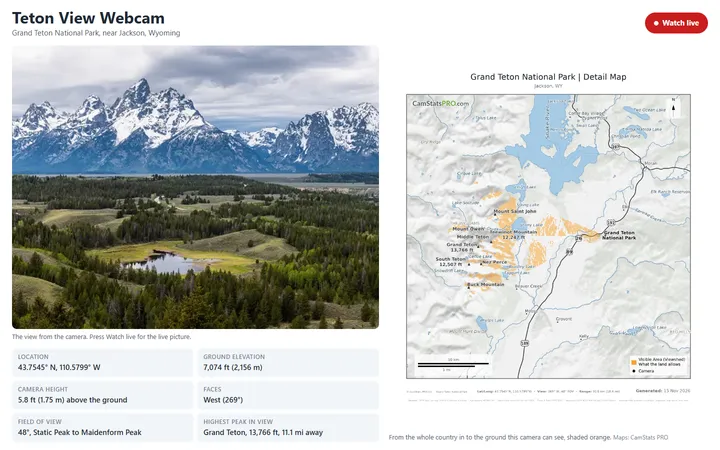
All on one screen
Title, a Watch live button, the camera's key facts and the map animation, all on one screen with no scrolling. Suits a quick camera page.
Uses: Map Zoom Video
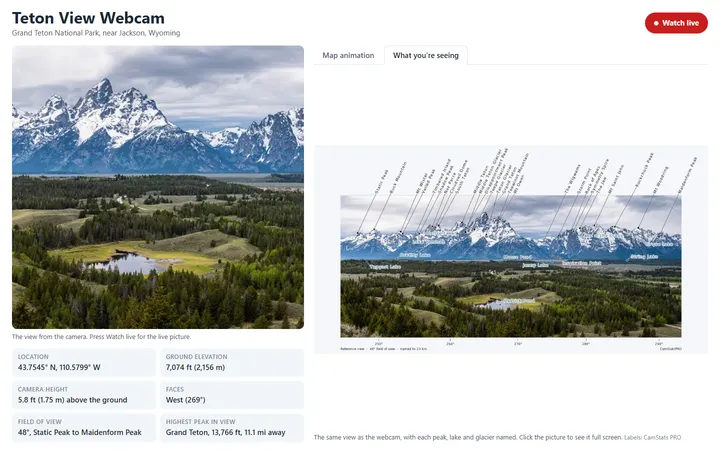
Organized with tabs
The same one-screen page, with tabs on the right to switch between the map animation and the labeled webcam view. No scrolling.
Uses: Map Zoom Video, Labeled Camera View
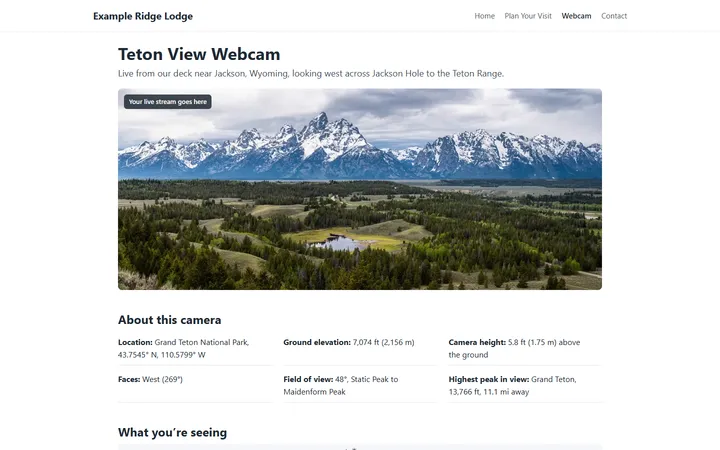
Simple, top to bottom
One column anyone can edit: the live stream, the camera's numbers, then the labeled view, the map animation and three panoramas. Numbered notes in the code say what to change.
Uses: Labeled Camera View, Map Zoom Video, Panorama